Is my audio really private?
With local models, your audio stays on your Mac — fully offline using Apple's Neural Engine. Cloud models like OpenAI are also available with your own API key. Either way, you're always in control of which engine is active.
What transcription models are supported?
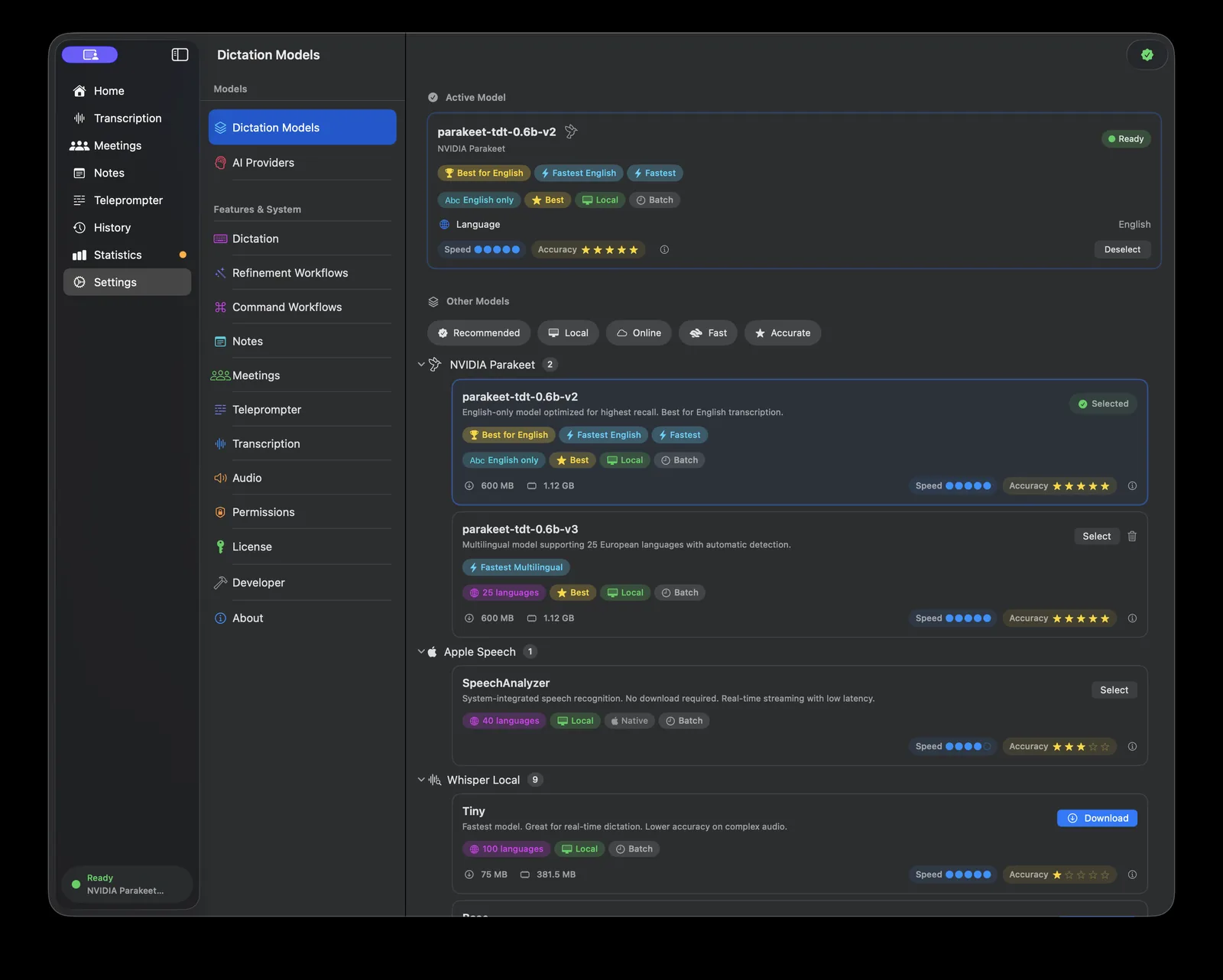
Murmur supports over 30 model variants. Local options include multiple Whisper models (via WhisperKit) and NVIDIA Parakeet. Apple SpeechAnalyzer is also available on macOS Tahoe. For cloud transcription, OpenAI is supported with your own API key. Each model shows benchmark data for speed and accuracy so you can make an informed choice.
Does it work offline?
Yes. Once you've downloaded a local model, Murmur works completely offline. No internet connection is needed for transcription, recording, or AI cleanup (if you use a local provider like Ollama). Cloud models naturally require an internet connection.
What languages does it support?
Murmur supports 99 languages with automatic language detection. You can also lock it to a specific language if you prefer. Auto-detection lets you switch languages mid-sentence without changing any settings.
What's the difference between App Store and Direct Download?
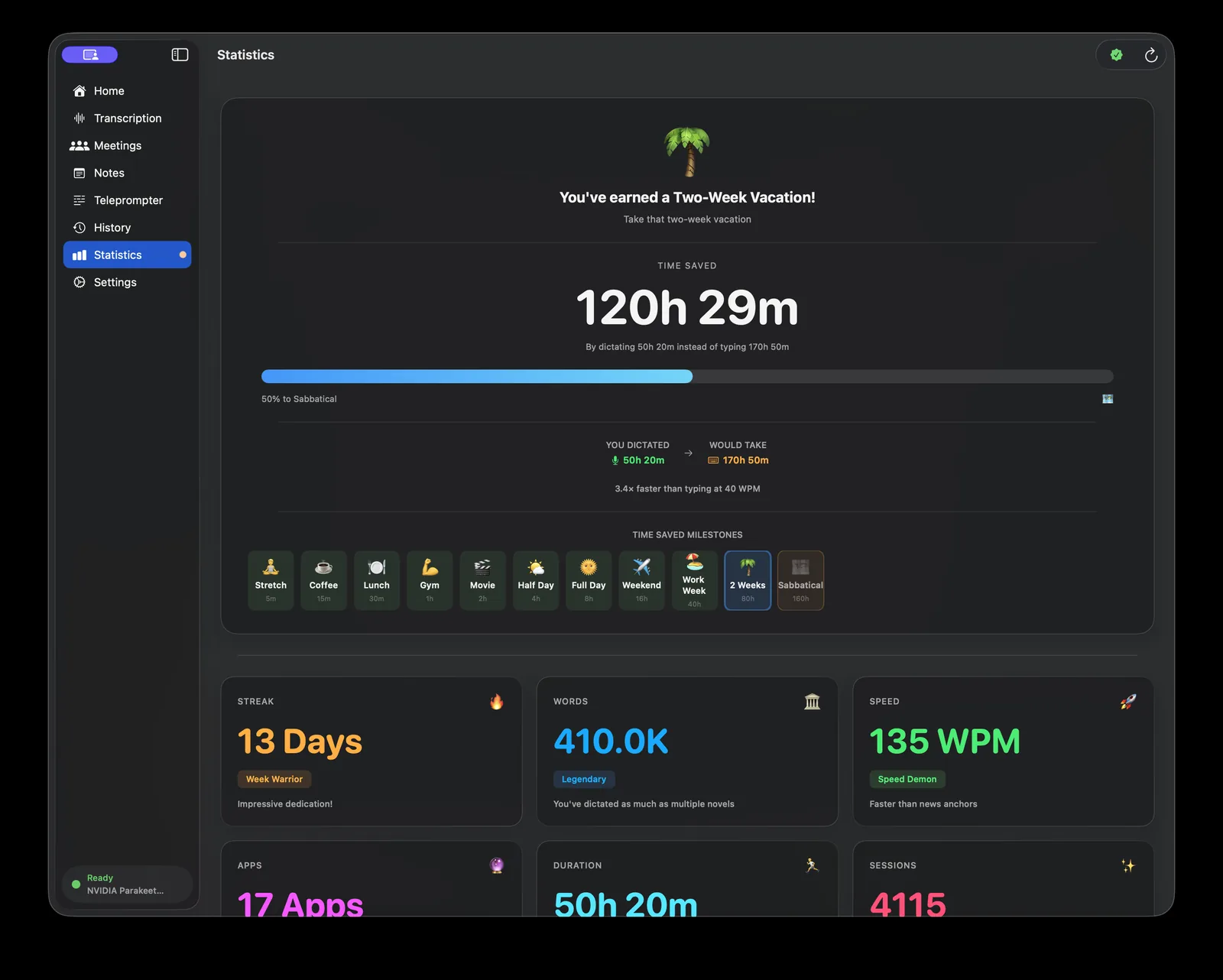
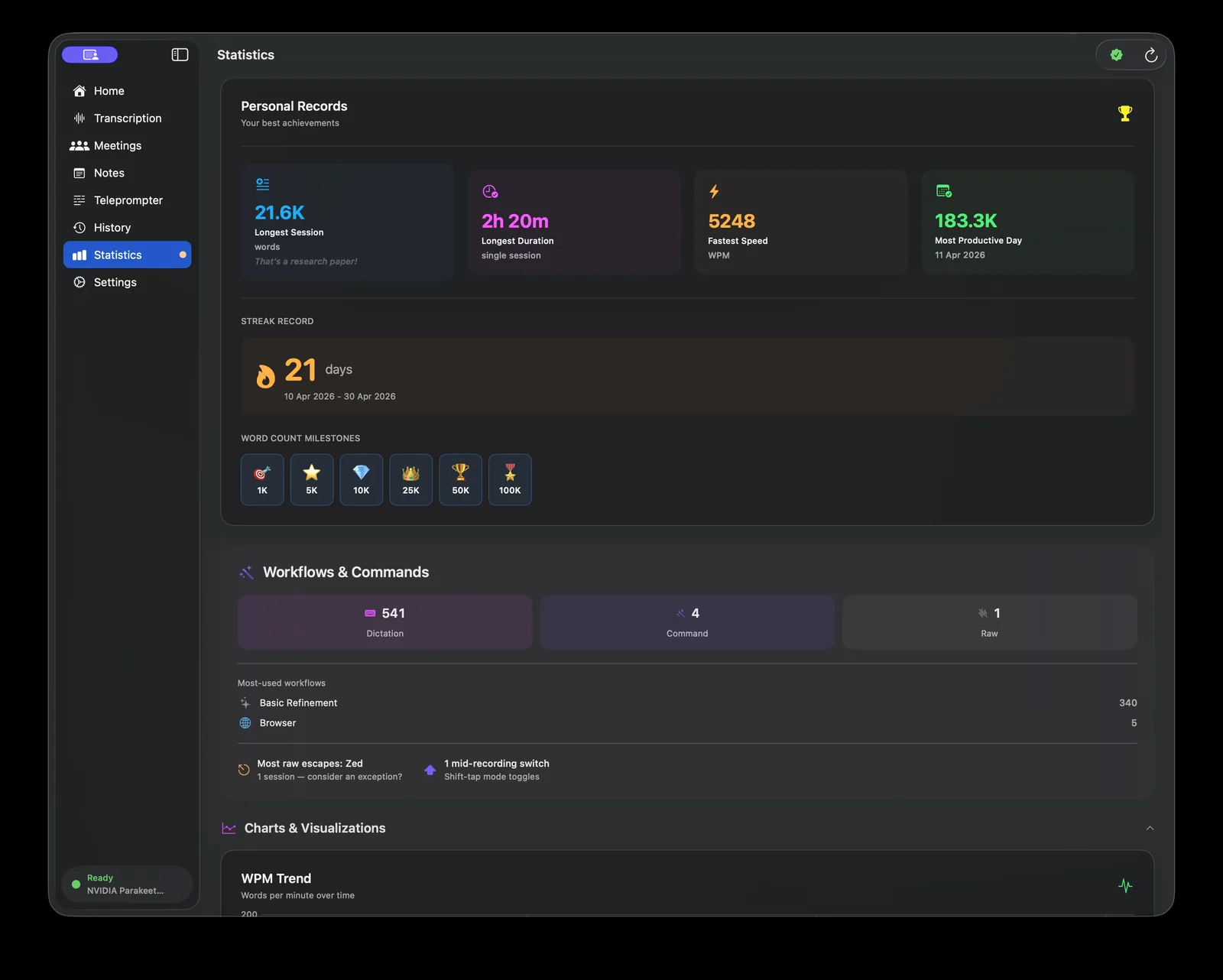
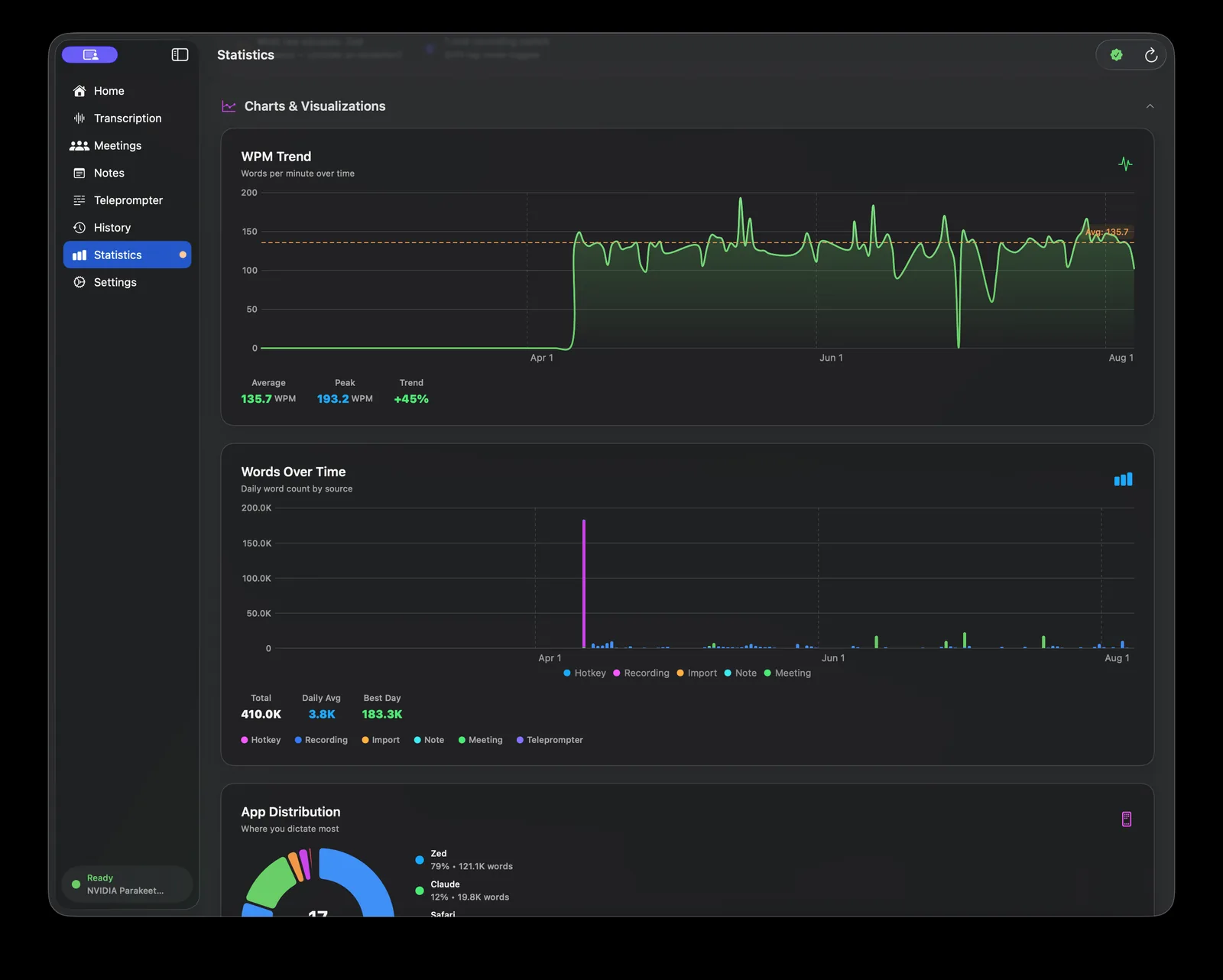
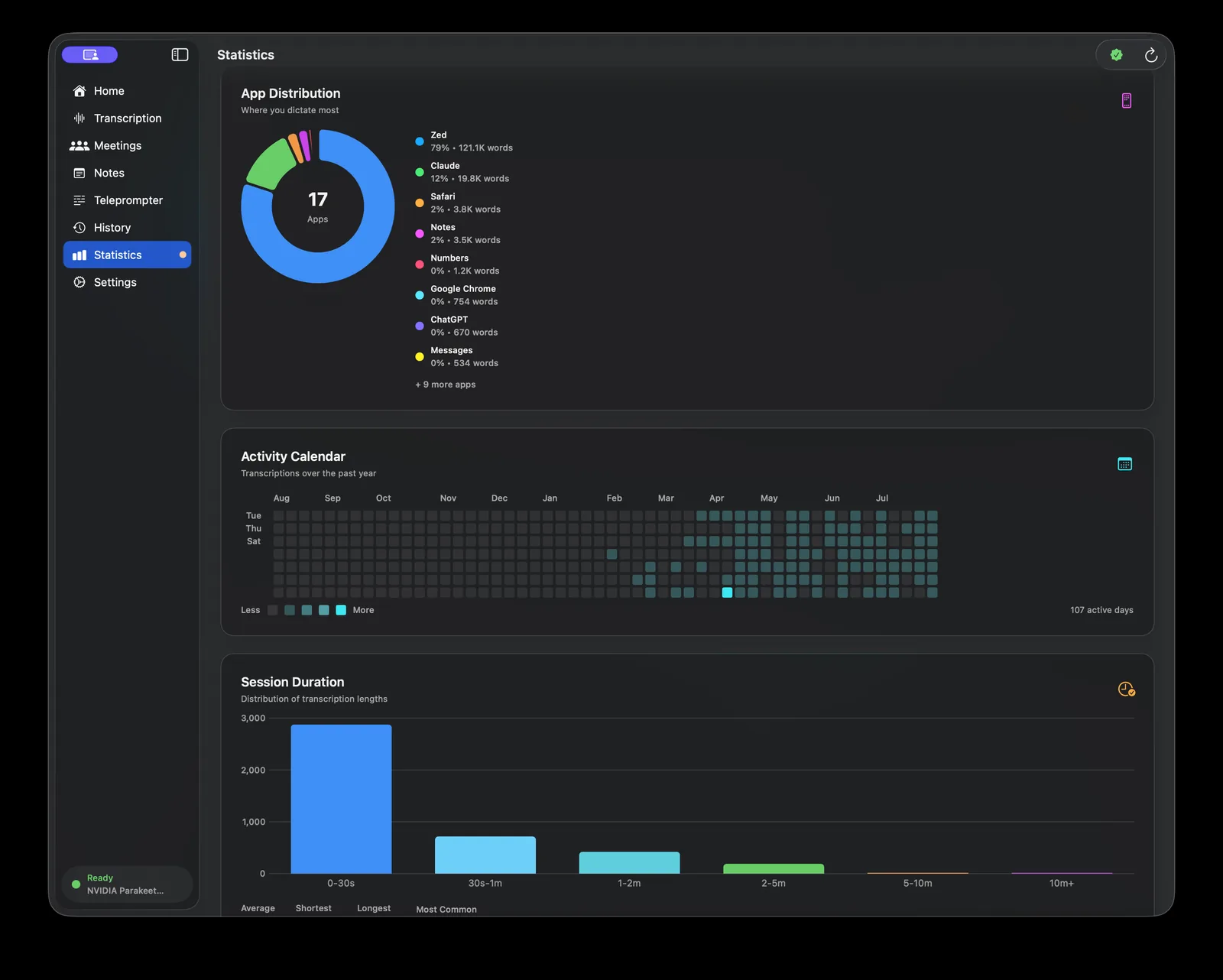
Both versions include the full transcription engine, 99 languages, streaming results, AI refinement, meetings, notes, and the statistics dashboard. The Direct Download version adds auto-paste (text goes straight into the active app), browser context awareness, and editor context detection. The App Store version is sandboxed, so you paste manually from the clipboard.
Can I switch between App Store and Direct Download?
No. Each version uses a different payment validation system. A purchase on the App Store cannot be used to activate the Direct Download version, and vice versa. Choose the version that fits your needs before purchasing.
Is there a free trial?
Yes. Murmur includes a 7-day free trial with full access to all features. No credit card required for the Direct Download version. The App Store version follows Apple's standard trial and purchase flow.
What about meetings?
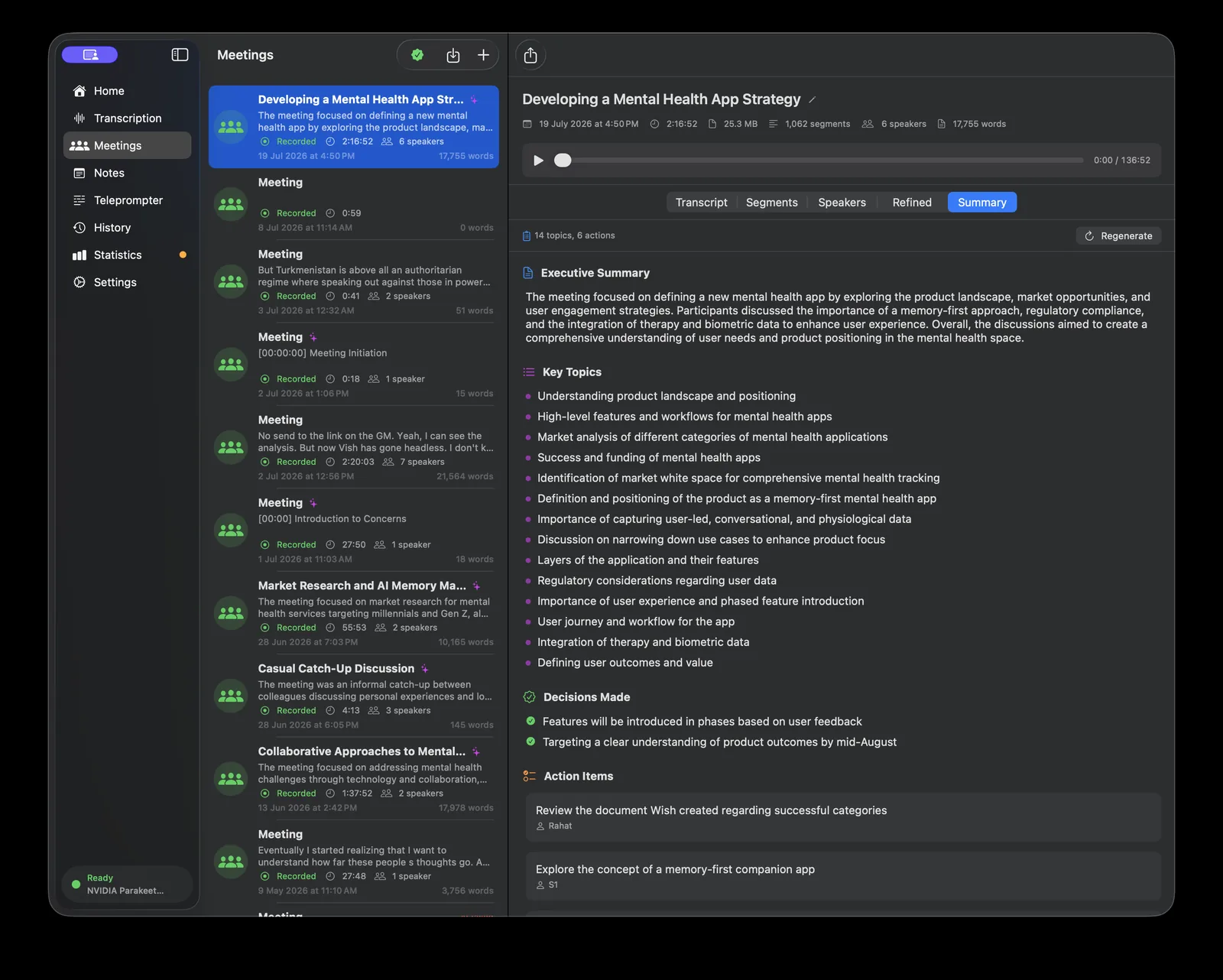
Murmur can record entire meetings, transcribe them with speaker diarization, and generate structured AI summaries — an executive overview, key topics, decisions, action items, a timeline, key quotes, and open questions. Meetings are recorded in 5-minute chunks so nothing is lost if something goes wrong. A menu bar indicator shows recording status. You can also import existing audio or video files for transcription.
What is the Teleprompter?
The Teleprompter (currently in beta) lets you paste a script and read it while Murmur follows along with your voice. It has three modes: live tracking highlights words in real time, voice-activated scrolls while you speak and pauses when you stop, and auto-scroll moves at a fixed pace. You can choose from multiple speech engines depending on the latency you need.
How do voice notes work?
Voice notes use a separate hotkey from dictation. Press it, speak your thought, and it's saved with audio playback and optional AI refinement. Over time, the AI Librarian builds a running summary of your entire notes collection, tracking recurring topics, people, and projects across all your notes.
What export formats are available?
You can export transcriptions as SRT (for subtitles), WebVTT (for web video), or timestamped plain text. Meeting transcripts include speaker labels in exports. You can also play back any recording directly in Murmur with seek and speed control from 0.5x to 2x.
How does context-aware AI work?
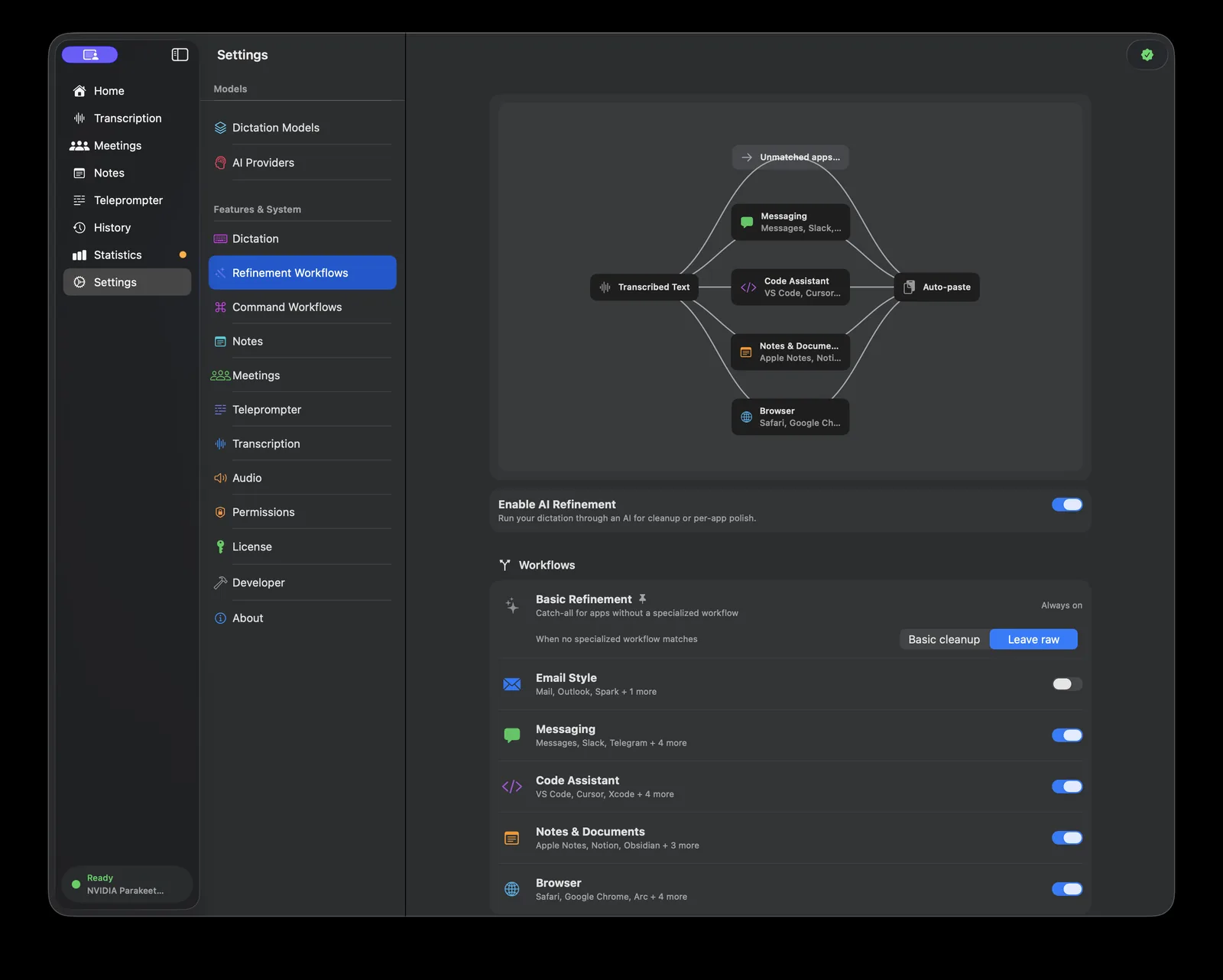
When enabled, Murmur detects what app you're using and adjusts AI refinement accordingly. It recognizes browsers, code editors, email clients, terminals, and more. It can read window titles and browser URLs for additional context. For example, dictating in VS Code preserves technical terms, while dictating in Mail produces polished prose. This is optional and works with layered permissions.
What are the dictation modes?
Murmur has three dictation modes. Push-to-talk records while you hold the hotkey and transcribes when you release. Toggle mode starts recording on one press and stops on the next. Auto mode combines both: a quick tap toggles recording, while a longer hold works like push-to-talk. You can set different modes for dictation and voice notes.
What are the system requirements?
Murmur requires an Apple Silicon (M-series) Mac running macOS 15 Sequoia or later. All transcription models are optimized for the Neural Engine in Apple Silicon chips. macOS 26 Tahoe adds Apple SpeechAnalyzer support and the Liquid Glass interface.